— OUTDOOR CONDITIONS
Ambient temperature is only part of the challenge!
Outdoor digital signage is expected to operate reliably for years in environments where temperatures, sunlight and weather conditions are constantly changing. Yet the greatest thermal challenge is often misunderstood.
The greatest thermal challenge for outdoor digital signage is not ambient temperature alone. Direct solar radiation and heat generated by the integrated components can drive temperatures inside the enclosure significantly above the surrounding air temperature.
Outdoor LCD systems must therefore withstand three combined thermal loads:
Solar radiation
Heat generated by integrated components
Ambient air temperature
Together, these loads determine whether an outdoor display can maintain stable brightness, protect its components and operate reliably over time.
What happens when thermal load is not controlled?
When temperatures rise above optimal thresholds, the liquid crystal layer deteriorates, rendering the display defective.
First signs of defective displays are:
Reduced image quality due to luminance loss
Black spots on the LCD surface from overheating
Accelerated component degradation
Unexpected system shutdowns or failures
As outdoor temperature extremes become more frequent, reliable thermal performance is no longer optional.
How the SRS™ recreates extreme outdoor conditions
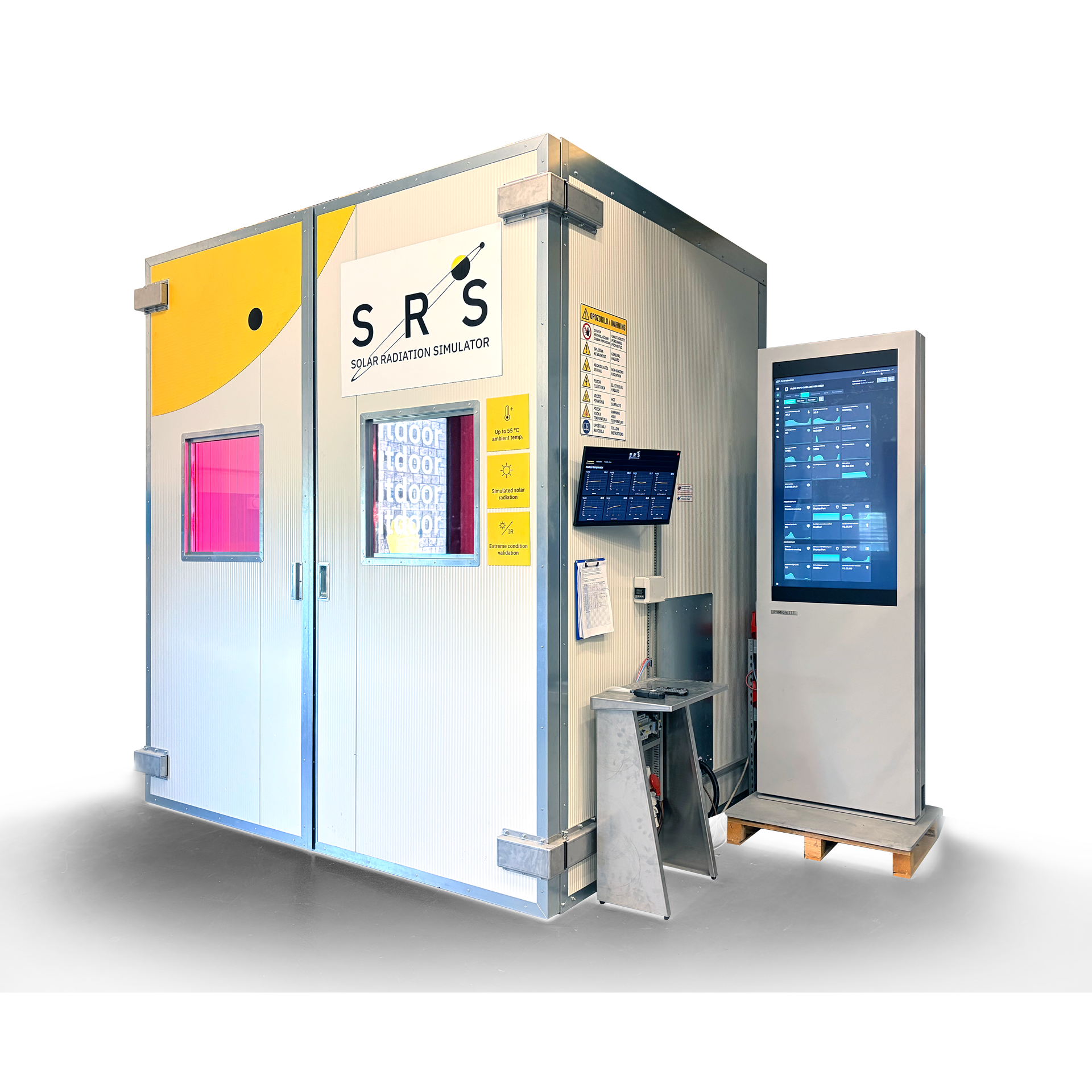
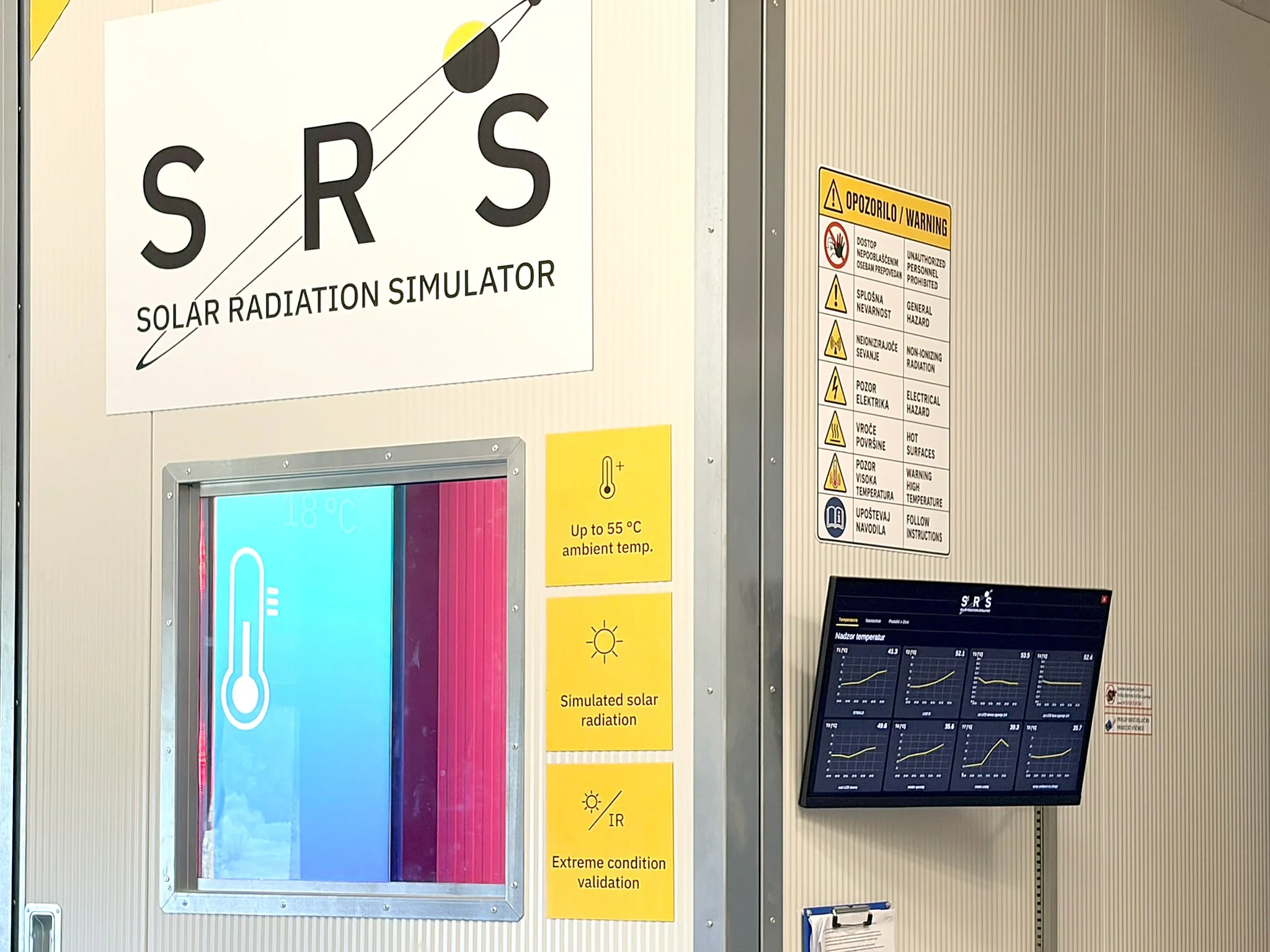
The Solar Radiation Simulator reproduces combined thermal loads using professional heat sources, high powered heaters and advanced monitoring equipment. It recreates solar radiation, ambient temperatures of up to 55 °C and heat generated inside the enclosure.
This enables us to reproduce thermal loads beyond those expected at the intended installation location and evaluate how the imotion® digital signage system responds under extreme conditions.
What do we validate?
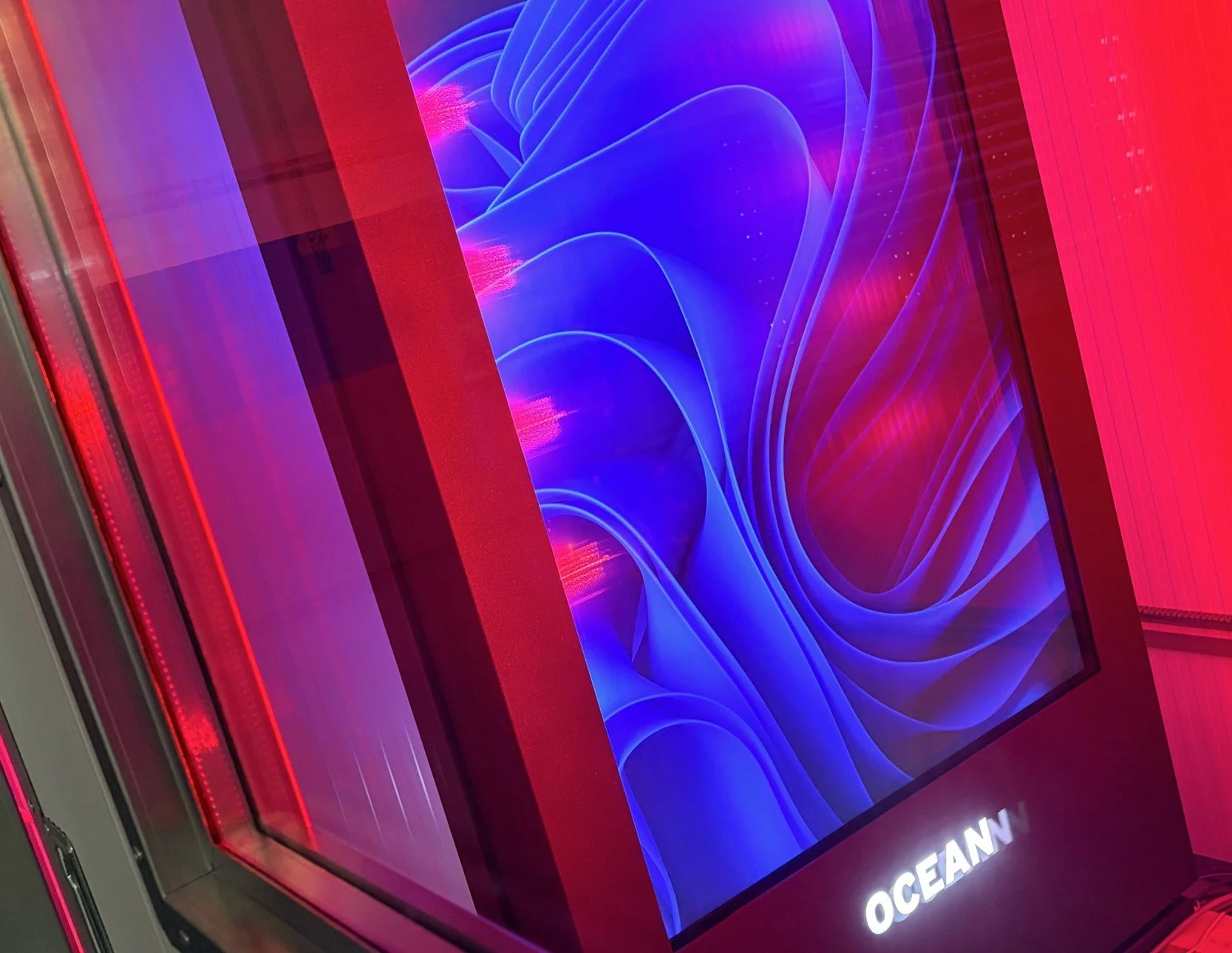
Cooling-system capacity and operation
Airflow distribution and localized heat spots
Luminance stability under thermal load
Protective temperature thresholds
Component and system stability
Validation process:
Define
Operating conditions are defined by microlocation, screen orientation, desired power consumption and acceptable noise level.
Simulate
Clogged filter, solar radiation and ambient temperature conditions beyond the specified operating environment are simulated inside the SRS.
Validate
Under extreme conditions, thermal management logic, airflow performance, protection thresholds and noise levels are tested, calibrated and validated.
Deploy
The imotion outdoor digital sign passes SRS validation for reliable operation in its real-world environment.
All under one roof
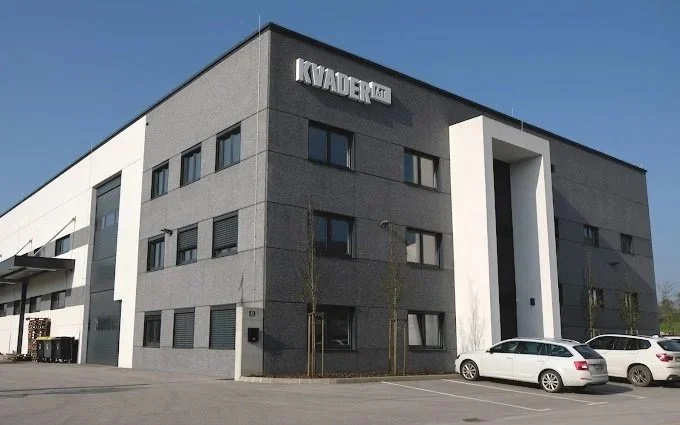
At Infinitus product development, manufacturing and thermal validation take place within the same facility. The engineering team can immediately validate new concepts, analyze test results and implement improvements without waiting for external tests or field feedback. This significantly accelerates development while ensuring every design decision is supported by measurable thermal performance. By validating every new product in the SRS before deployment, we reduce uncertainty long before products reach our customers. The result is greater confidence that every imotion® display will deliver stable thermal performance under the conditions it was engineered to withstand.